Overseas factories save on freight
Exporters see exactly how many cartons or SKUs fit per container — no surprise short-ships or paying for empty space. Plan production batches and booking sizes from one verified load map.
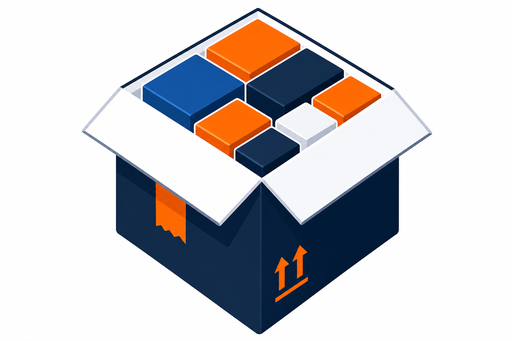
Parcel load diagrams for small freight, a container calculator for FCL export, and inline ERP integration — one optimizer engine, bought as separate applications or together.

Same optimizer that picks the right parcel carton also plans full container loads (FCL). Define 20ft, 40ft, 40HC, or pallet spaces in your shipper library, set ship mode to Containers, and get a 3D stow plan that maximizes utilization before cargo leaves the factory or forwarder warehouse.
Exporters see exactly how many cartons or SKUs fit per container — no surprise short-ships or paying for empty space. Plan production batches and booking sizes from one verified load map.
Shipping companies and 3PLs use the same 3D plan to quote accurately, reduce void space, and give loaders a step-by-step stow sequence — fewer disputes at origin and destination.
Auto mode searches cartons and containers together. Parcel-only or containers-only modes when you need them. ERP API pushes orders and returns pack results for both.
Three products you buy — six workspace tools that power them. Open any module on sample data.
Your SKU catalog with exact dimensions — the foundation for correct carton choice on every order.
Open →Your shipper mix (S/M/L, mailers, containers) — the optimizer searches this library to minimize cube.
Open →Build or import orders, run calc & design — get the correct carton and pack plan in seconds.
Open →See exactly how to pack — 3D proof that cuts freight cost and eliminates bench guesswork.
Try live demoFloor display with outer box, load diagram, and pack steps — fewer repacks, lower cube.
Open →Trigger the next order to the packer bench with one tap.
Open →Build your product catalog and shipper library with millimetre precision. Live 3D previews update as you adjust dimensions.
The engine picks the smallest outer cartons — or the best-fit shipping container — for minimum total cube. Compare parcel plans, multi-box orders, and full FCL stow maps before you book freight.
Sample output
2 boxes
0.42 m³ total outer cube · 94% fill
Push packing plans to the floor. Packer displays show order details, product grid, and step-by-step instructions.
Order
Acme Fulfillment — Bathroom refill
16 orders, live optimizer, 3D load diagram, and packer bench — try everything free before you talk to sales.