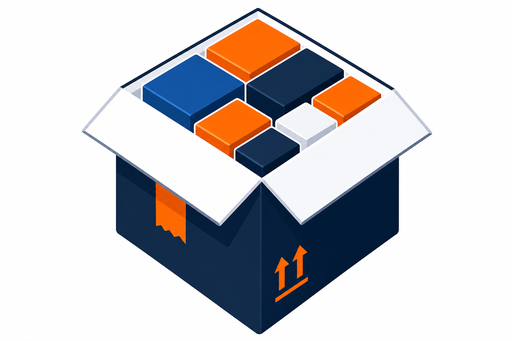
Put the right pack plan on the bench
Packers stop guessing. Station displays show the order, correct outer carton, top view, 3D load, and step-by-step instructions — pushed from the app, kiosk, or your ERP.
Order
REF-DEMO-01
Acme Fulfillment — Bathroom refill
Packer display
Full-screen bench UI for warehouse stations. Shows the active order reference, customer, product grid with quantities, and packing summary. Polls the station API for live updates.
- Per-station URL:
station.php?station=PACK-01 - Idle state when no order is queued
- Dark theme optimized for warehouse screens
- Works on tablets and bench monitors
Demo kiosk
A simple trigger screen for testing the warehouse workflow. Shows the next order in queue and sends it to the packer display with one button press.
- Preview upcoming order before push
- Product grid with SKU quantities
- Pairs with packer display on same station ID
- Ideal for demos and pilot deployments
Up next
REF-DEMO-01
Acme Fulfillment — Bathroom refill
Interactive in live kiosk
ERP & API integration
Connect your WMS or ERP to push orders and retrieve pack results programmatically.
Station API
Push orders to bench stations, poll status, and clear queues via REST endpoints.
Pack API
Submit orders for optimization and retrieve full pack results including 3D layout data.
Orders API
Create, list, and fetch orders with optional full pack payload attached.
API key auth
Send the X-Api-Key header on production API calls. ERP Connect customers receive a dedicated key via the portal.
Complete warehouse workflow
From load diagram to packed box — every step connected.
Optimize in app
Run calc & design on a customer order in the main app.
Review diagram
Confirm the 3D load plan and packing sequence.
Push to bench
Send via kiosk trigger or ERP station API.
Pack & ship
Packer follows the station display and ships.
Test bench to box — on sample data
Optimize an order in the live preview, push it to PACK-01, and watch packers follow the verified load.